clicsHQ for Operations
Manage tasks, approvals, workflows, team coordination, and operational visibility with an AI-powered workspace built for fast-moving teams.
clicsAI
3 blockers found
Your Operations Agent found overdue tasks and pending approvals that need attention.
Why Operations Teams Choose clicsHQ
Bring work, visibility, workflows, docs, and AI assistance into one simple workspace.
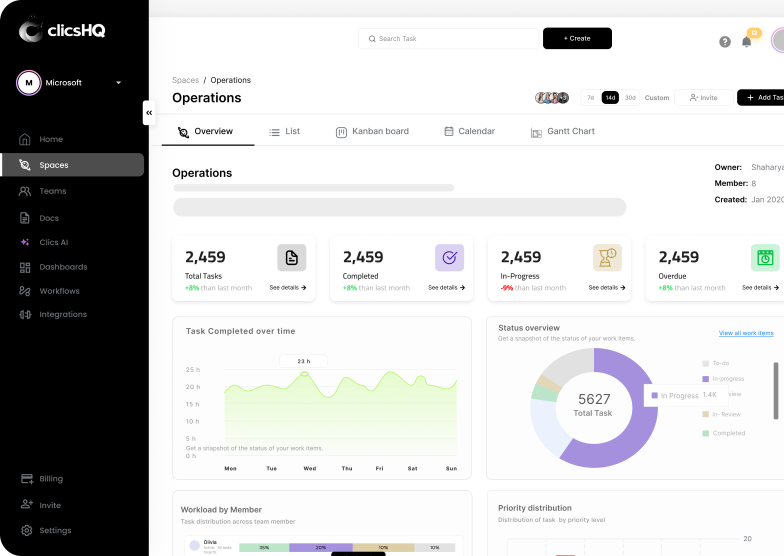
Track progress, priorities, workloads, and blockers from one operational overview.
Use clics One to summarize work, find blockers, generate updates, and reduce manual follow-ups.
Create simple automations that help your team move faster without adding complexity.
Operational Visibility
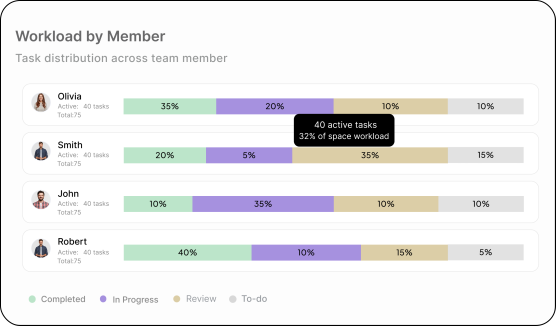
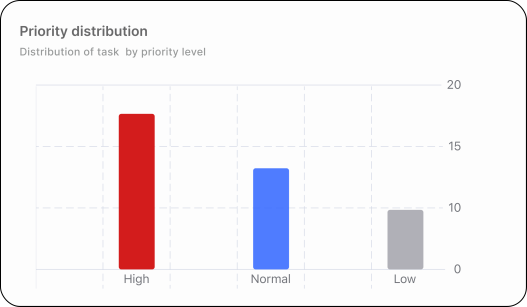
Space Overview gives operations teams a clear view of total tasks, progress, priority distribution, workload, and status movement.
See every running initiative, its owner, status, and deadline. Drill into any one with a click.
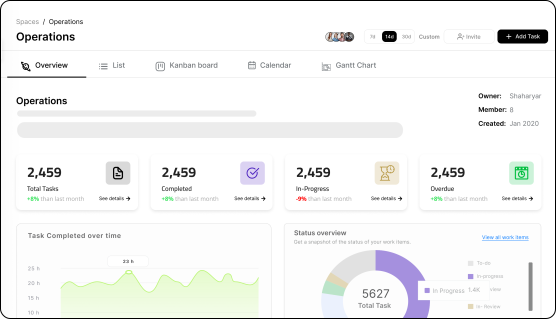
Status flows from tasks → projects → portfolio. No spreadsheets, no manual rollups.
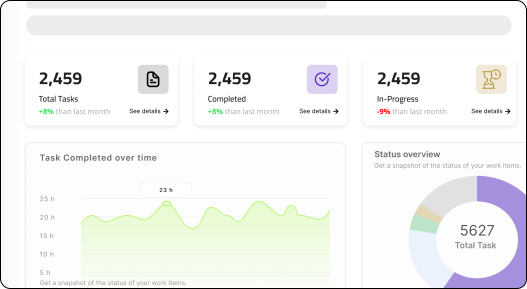
Capacity views show who is overcommitted before deadlines slip.
AI sorts your portfolio by risk and ranks priorities for your standup.
clics AI
Ask questions, create updates, summarize work, and let AI agents help your team stay ahead of operational blockers.
Monitors tasks, blockers, and pending work.
Generates weekly updates and progress summaries.
Flags overdue or high-priority tasks automatically.
Helps teams find answers from internal docs.
Operations Use Cases
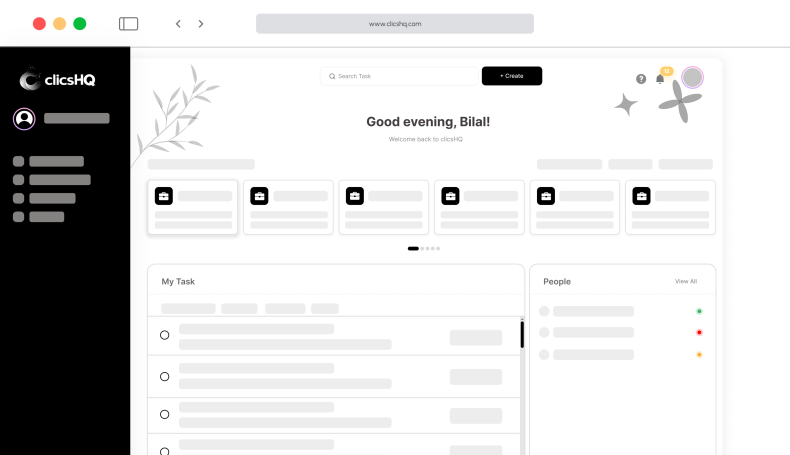
Keep every task, owner, deadline, and status visible across teams in one shared workspace.
Route requests to the right approver and track pending reviews so nothing stalls.
Standardize recurring processes with simple automations that move work forward.
Monitor progress, priorities, and workload from one operational overview.
Workflow Automation
Build simple When → Then workflows to reduce manual follow-ups, missed handoffs, and repetitive coordination.

Integrations
Bring your tools closer to the work your team manages in clicsHQ.





Spaces
Use flexible spaces and multiple views to manage work the way your team prefers.
Manage operations, automate workflows, and align teams from one connected platform.